GUISEPPE | 1 January 2026 | 236 MB
安装方法:
🖥 macOS 信息
1. 安装
2. 在启动密钥生成器应用程序之前,
请打开终端并运行:
`xattr -cr`
3. 运行密钥生成器应用程序并创建许可证
📝 更新日志
• 许可证验证
不再依赖于互联网连接
• 解决了许可证过期问题
• 添加了对自定义硬件 ID 的支持,以便为不同系统生成许可证
目前暂不支持 Windows 系统。
Windows更新版本即将推出。
新年快乐!
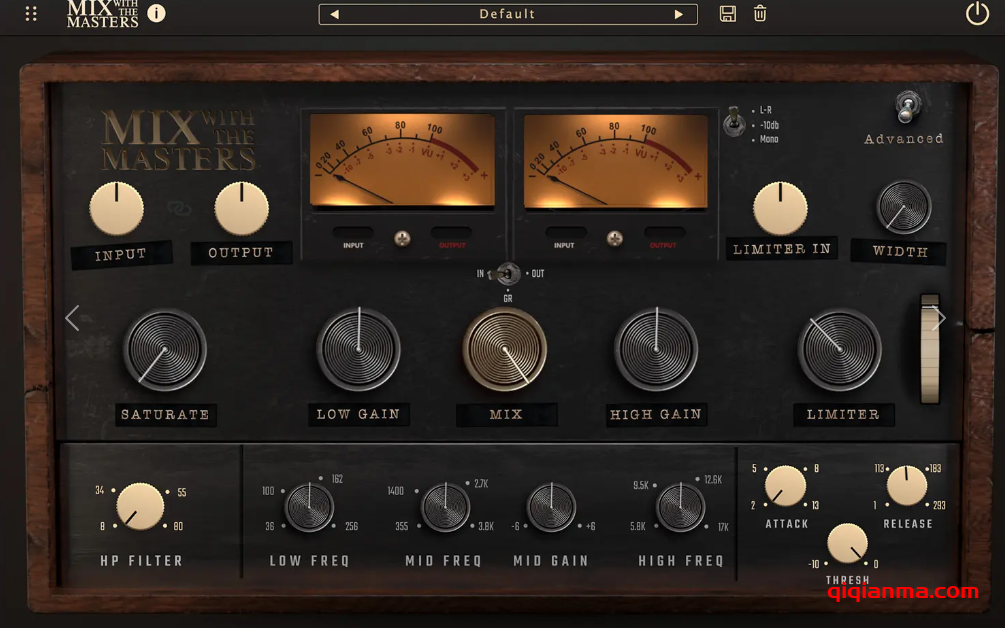
Vermeer 能够柔化数字音效的棱角,并将各种声音融合在一起,如同画布上色彩的交融。这款交互式总线处理器灵感源自 Tchad Blake 的音乐风格,它运用丰富的均衡、压缩和饱和度层次,为您的音乐注入活力。它是一款极具创意的工具,能够为您的录音注入新的生命力,并揭示隐藏在表面之下的微妙细节。
Vermeer softens digital edges and blends sounds together like colors merging on a canvas. Inspired by the sounds of Tchad Blake, this interactive bus processor enhances your music using rich layers of equalization, compression and saturation. It is a creative tool that will breathe new life into your recordings and reveal the subtle details that are hidden beneath the surface.
🖥 macOS INFO
1. Install
2. Before launching the keygen app,
open Terminal and run:
`xattr -cr `
3. Run the keygen app and create a license
📝 CHANGELOG
• License validation
no longer depends on an internet connection
• Resolved license expiration issues
• Added support for custom HWIDs to generate licenses
for different systems
Windows support is currently unavailable.
An updated Windows version will follow shortly.
Happy New Years Eve!